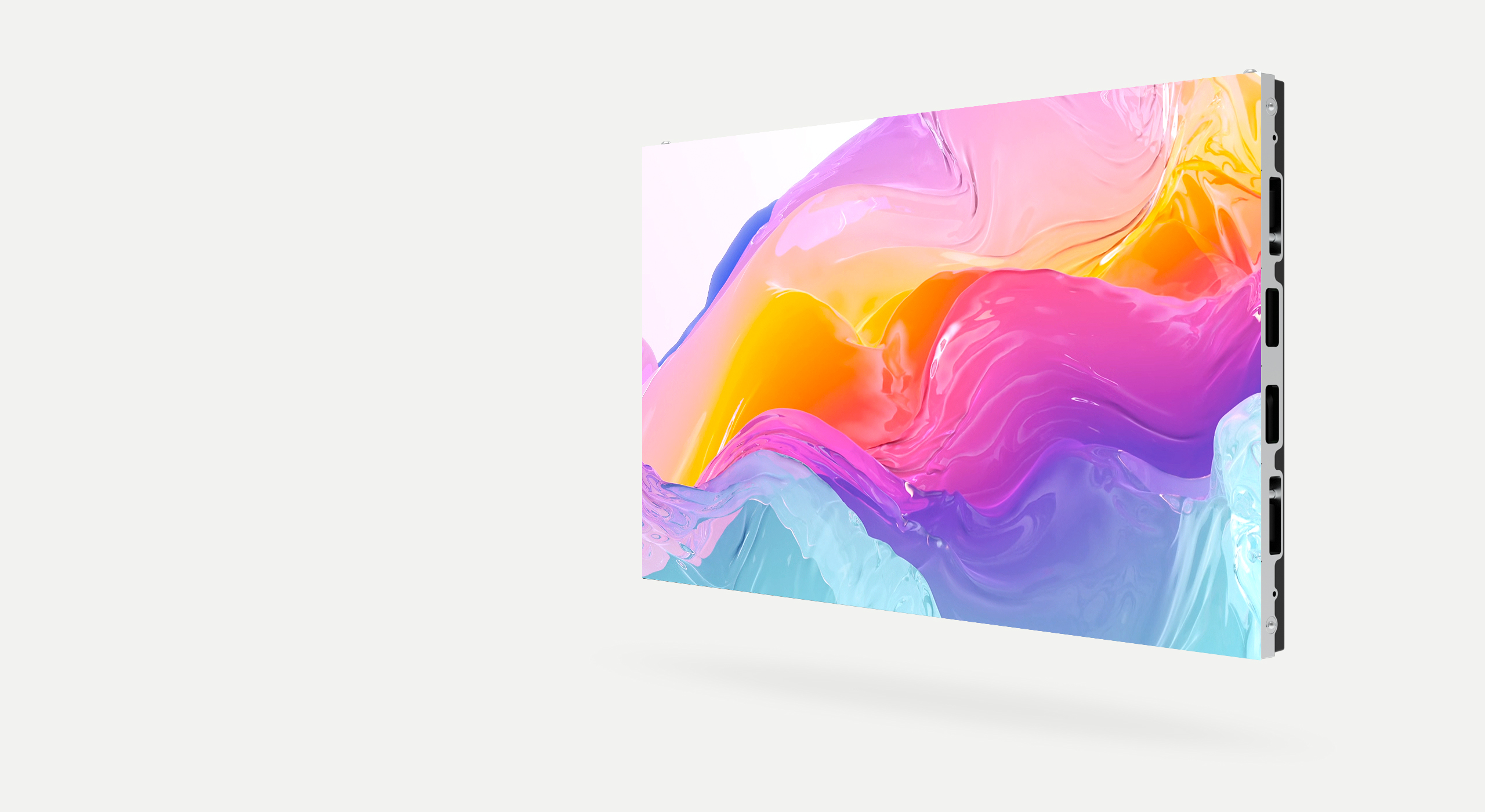
Energy Efficiency of LED Walls: Power Consumption, Sustainability and Operating Costs

LED Wall Tips
09.01.2026
Einzelnes Blog-Bild

LED Wall Remote Control: Management of Large Displays

Remote control of LED walls is an important aspect of their practical application. Efficient control and management systems are crucial for the optimal use of this technology. This article covers the various aspects of LED wall remote control and management.

Types of Remote Control Systems

Infrared Remote Control (IR): A classic system that uses infrared signals. It is simple and cost-effective, but has a limited range and requires line-of-sight.

Radio Remote Control (RF): Uses radio frequencies and has a greater range than infrared. Works without direct line-of-sight.

Network-based Control: Uses Ethernet or Wi-Fi for remote control via the Internet or local networks.

Tablet and Mobile Apps: Modern solutions that allow control via smartphones and tablets.

Control Functions

Typical control functions for LED walls include:

On and Off: Basic control for power consumption and longevity.

Adjust Brightness: Adaptation to different environmental conditions.

Adjust Color Temperature: Adjustment of color representation.

Content Management: Loading and playing content.

Layer Management: For complex displays with multiple layers.

Management Systems for Multiple LED Walls

For companies with multiple LED walls, centralized management is important. Modern management systems enable:

Central monitoring and diagnostics of all displays

Simultaneous content distribution to multiple displays

Reporting and analytics on displays and performance

User rights and security for multiple operators

Security Aspects

When remotely controlling and managing LED walls, security should be considered:

Authentication: Users should authenticate before using control functions.

Encryption: Data should be encrypted, especially for network-based transmission.

Access Control: Different users should have different access levels.

Audit Logs: All changes should be logged to ensure accountability.

Integration with Other Systems

LED wall management systems should be integrable with other systems such as:

Building Management Systems (BMS)

Digital Signage Networks

Event Management Software

Data Analytics Platforms

Best Practices for Management

Effective LED wall management requires:

Clear work agreements and responsibility distribution

Regular training for operators

Proactive monitoring and maintenance

Documentation and update management

Want to know which LED wall offers the best energy balance for your project? Compare current models on our LED wall purchase page and request an individual quote.

Conclusion

LED wall remote control and management are essential for their optimal use. With the right systems, processes and best practices, companies can maximize their LED wall investments and contribute to the success of their communication goals.

Related Articles

Learn more about related topics:
Cta V3 Bild
Artikel von

Kampro

Blog-Share-SymbolBlog-Share-SymbolBlog-Share-Symbol
Share on:
Blog Share IconBlog Share IconBlog Share IconBlog Share Icon

LED Wall Remote Control: Management of Large Displays

Remote control of LED walls is an important aspect of their practical application. Efficient control and management systems are crucial for the optimal use of this technology. This article covers the various aspects of LED wall remote control and management.

Types of Remote Control Systems

Infrared Remote Control (IR): A classic system that uses infrared signals. It is simple and cost-effective, but has a limited range and requires line-of-sight.

Radio Remote Control (RF): Uses radio frequencies and has a greater range than infrared. Works without direct line-of-sight.

Network-based Control: Uses Ethernet or Wi-Fi for remote control via the Internet or local networks.

Tablet and Mobile Apps: Modern solutions that allow control via smartphones and tablets.

Control Functions

Typical control functions for LED walls include:

On and Off: Basic control for power consumption and longevity.

Adjust Brightness: Adaptation to different environmental conditions.

Adjust Color Temperature: Adjustment of color representation.

Content Management: Loading and playing content.

Layer Management: For complex displays with multiple layers.

Management Systems for Multiple LED Walls

For companies with multiple LED walls, centralized management is important. Modern management systems enable:

Central monitoring and diagnostics of all displays

Simultaneous content distribution to multiple displays

Reporting and analytics on displays and performance

User rights and security for multiple operators

Security Aspects

When remotely controlling and managing LED walls, security should be considered:

Authentication: Users should authenticate before using control functions.

Encryption: Data should be encrypted, especially for network-based transmission.

Access Control: Different users should have different access levels.

Audit Logs: All changes should be logged to ensure accountability.

Integration with Other Systems

LED wall management systems should be integrable with other systems such as:

Building Management Systems (BMS)

Digital Signage Networks

Event Management Software

Data Analytics Platforms

Best Practices for Management

Effective LED wall management requires:

Clear work agreements and responsibility distribution

Regular training for operators

Proactive monitoring and maintenance

Documentation and update management

Want to know which LED wall offers the best energy balance for your project? Compare current models on our LED wall purchase page and request an individual quote.

Conclusion

LED wall remote control and management are essential for their optimal use. With the right systems, processes and best practices, companies can maximize their LED wall investments and contribute to the success of their communication goals.

Related Articles

Learn more about related topics:

Cta V3 Image
Article by

Kampro

Blog Share IconBlog Share IconBlog Share Icon